Creating a Formtoro Account
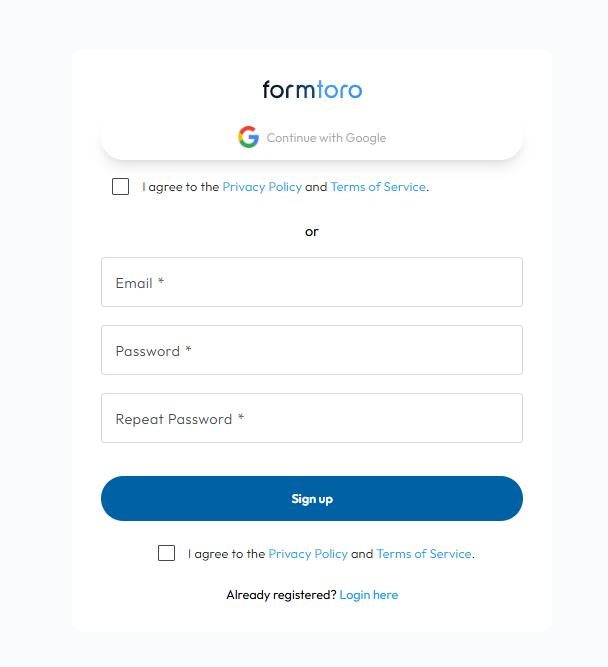
- Go to https://app.formtoro.com/auth/signup
- Login through Google or
- Enter an email + password twice
- Click the box to agree with the terms
- Then click Sign up
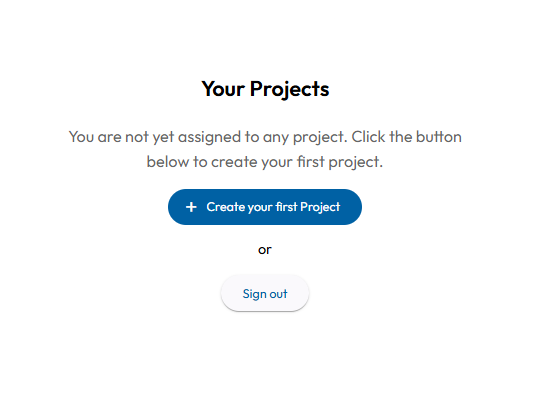
Once signed in, you’ll have access to any projects that have previously been shared to with you, else you can click “Create your first Project”
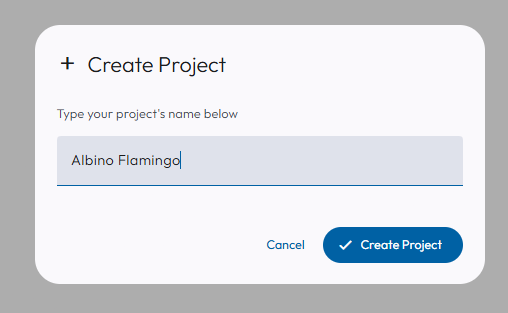
Enter your project or Company Name, then click “Create Project”
Was this article helpful?
That’s Great!
Thank you for your feedback
Sorry! We couldn't be helpful
Thank you for your feedback
Feedback sent
We appreciate your effort and will try to fix the article